
How to Track Your Vehicle Location in Real Time (Easy 5-Step Guide)
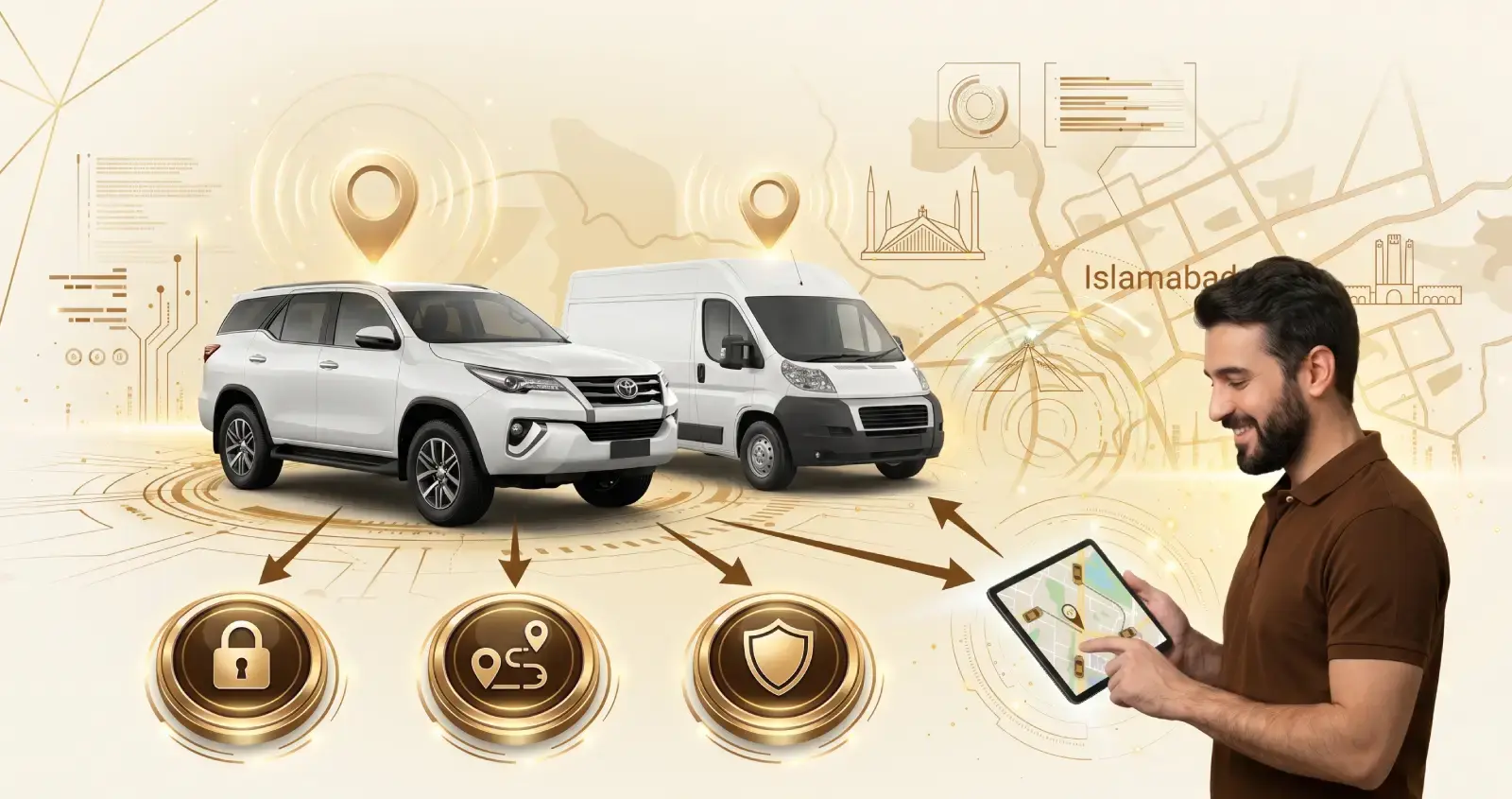
Wondering how to track your vehicle location in real time? Whether you manage a delivery van, a company car, or a whole fleet, knowing where your vehicles are makes daily operations much easier. A GPS tracker shows the vehicle’s location on a map, while a mobile connection sends updates to your tracking platform. You can then check routes, monitor movement, and receive alerts without constantly calling the driver. Here’s how real-time vehicle tracking works, what you need to get started, and what to check before choosing a tracking solution.

How Does Real-Time GPS Tracking Work?
A GPS tracker receives signals from satellites to work out where the vehicle is. It also uses movement data to report details such as speed and direction.
The process has three basic steps:
- GPS finds the location: The tracker receives signals from GPS satellites and calculates the vehicle’s position.
- Mobile network sends the data: The tracker uses a SIM card and mobile network to send the location data to a server.
- Tracking platform displays it: The server processes the information and shows the vehicle’s location on a map in your app or web dashboard.
Updates can arrive every few seconds or every minute, depending on the tracker, network conditions, and settings. So “real time” does not always mean an update every second. If the vehicle enters an area with weak GPS or mobile coverage, updates may be delayed. Once the connection is restored, many trackers upload their stored location data to the platform.
How to Set Up Real-Time Vehicle Tracking in 5 Steps
Setup is simpler than most people expect.
1. Choose a GPS Tracker
Choose a tracker based on your vehicle and tracking needs. Plug-in OBD trackers connect to the vehicle’s diagnostic port, while hardwired trackers connect to the vehicle’s power system. Battery-powered trackers are useful for trailers and equipment. If you are comparing options, see our car tracker vs bike tracker guide.
2. Connect a SIM Card
Most GPS trackers need a SIM card to send location data to the tracking platform. Choose a mobile network that provides reliable coverage along your usual routes.
3. Install the Device
Install the tracker according to the manufacturer’s instructions and make sure it can receive GPS signals properly. For hardwired devices, professional installation is usually the better option.
4. Add the Tracker to Your Account
Log in to the tracking platform and add the device using its required details, such as the IMEI number. Once connected, the vehicle should appear on the map.
5. Check the Live Location
Start the vehicle and open the tracking platform. Make sure the device is sending location updates and that the vehicle’s position appears correctly.
Can You Track Your Vehicle From Your Phone?
Yes. If your GPS tracking provider offers a vehicle tracking app or a mobile-friendly dashboard, you can check your vehicle’s location from your phone. Simply log in, select the vehicle, and view its location, speed, and, where supported, ignition status.
This is useful for business owners and fleet managers who need to check vehicles while away from the office. For example, you can quickly see whether a delivery van is still on the road or has reached its destination.
Since vehicle location data is sensitive, protect your account with a strong password and only give access to people who need it. You can also enable push notifications so important alerts reach you even when the app is closed.
What Is Geofencing and How Does It Help?
A geofence is a virtual boundary drawn around a place on the map, such as a warehouse, a customer’s site, or a depot. The system alerts you when a vehicle enters or leaves it, so you don’t have to watch the map all day.
For example, a manager might get a message when a truck reaches its drop-off point, or when a van leaves the city after closing time. One tip: avoid very small zones. GPS can drift by a few metres, and a tight boundary can set off false alarms.
What Information Can a GPS Tracker Provide?
It depends on the device and platform, but these are the most useful features:
- Live location on the map
- Route history, to replay a trip and see where the vehicle stopped
- Speed and ignition alerts
- Idle time, showing how long engines run while the vehicle is standing still
- Trip reports with distance, duration, and stops
- Driver behaviour monitoring, such as harsh braking, rapid acceleration, and route deviations, where supported
Choose features that match your actual needs. Most small businesses can start with live location, route history, and a few alerts.
GPS Tracking vs Real-Time Tracking: What’s the Difference?
GPS tracking is the technology that works out a vehicle’s location. Real-time tracking is about how often that location is sent to the platform and shown to you. A device can know its position without sending frequent live updates, so always ask how often a tracker reports.
Business Benefits of Real-Time Vehicle Tracking
For a business, the real value is facts instead of guesses.
Dispatching gets easier. When a new job comes in, you can see which driver is closest and send them. Customers get realistic arrival times, which means fewer complaint calls.
Fuel control improves. Idling, unnecessary trips, and route deviations all push fuel use up. Tracking data, combined with a fuel monitoring system, helps managers spot these patterns and fix them.
Drivers become more accountable. Speed alerts give you something concrete to discuss with a driver, and trip logs settle disputes about when a visit happened. Tools like driver scoring make this even easier.
Stolen vehicles are easier to recover. If a vehicle is stolen, its live location helps you and the police act faster. Read our guide on what to do if your vehicle is stolen.
Limitations You Should Know About
Some things can go wrong, so it’s better to know them upfront.
GPS accuracy can vary. Open areas usually give better positioning, while tall buildings, tunnels, and underground parking can affect it. If the SIM loses coverage, the tracker can’t send data until it reconnects, though many devices store points and upload them later. Battery trackers need regular charging, and a badly wired hardwired unit can drain a weak car battery.
Thieves sometimes use GPS jammers. Alerts for jamming or power cuts help, but no system is foolproof.
Then there’s privacy. If staff drive company vehicles, tell them they’re being tracked and check your local rules. Tracking someone without their knowledge can cause legal trouble.
Who Can Benefit From Real-Time Vehicle Tracking?
Not every vehicle needs the same level of monitoring. Real-time tracking is especially useful when knowing a vehicle’s current location affects your work, security, or customer service.
1. Delivery and Service Vehicles
If your drivers visit multiple customers each day, tracking shows where vehicles are during working hours. This makes it easier to answer customer calls and coordinate new jobs. Businesses moving goods can also use dedicated cargo GPS tracking.
2. Company Vehicles
Businesses that provide vehicles to employees can use tracking to keep a record of vehicle movements and work trips. It also helps when several employees share the same vehicle at different times.
3. Large Fleets
Managing several vehicles through phone calls quickly becomes difficult. A fleet management system gives managers one place to check every vehicle instead of calling drivers individually for basic location updates.
4. Valuable Equipment and Assets
GPS tracking is not limited to cars and trucks. Trailers, generators, and construction equipment can also be tracked with an asset tracking system when their location matters.
5. Long-Distance Vehicles
For vehicles regularly travelling between cities, tracking provides visibility throughout the journey. If a vehicle stops unexpectedly or takes an unusual route, you’ll see it on the platform. Learn more about our GPS tracking system for trucks.
Track Your Vehicles in Real Time With MuxTech
MuxTech provides GPS tracking and fleet management solutions that help businesses monitor vehicle locations, routes, trips, and other fleet data from one platform. Whether you manage a few delivery vehicles or a large fleet, clear visibility makes daily operations easier. Contact MuxTech today to discuss a GPS tracking solution for your business.