Vehicle Tracking App
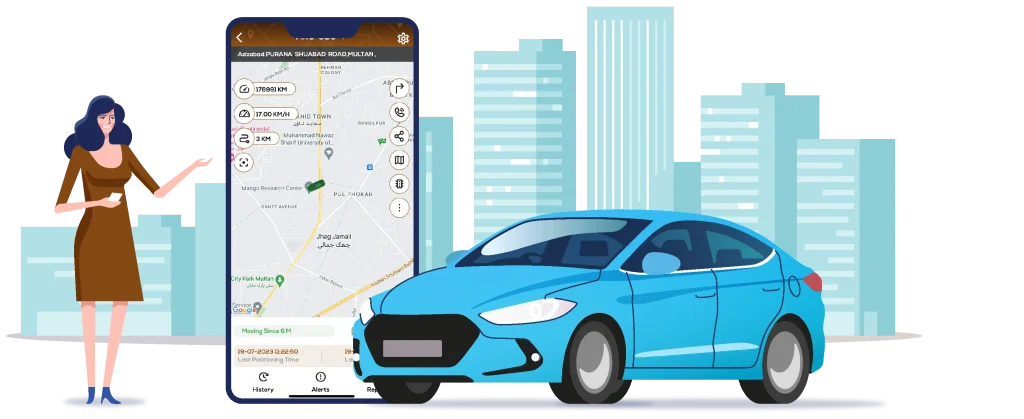
Looking for an easier way to track your vehicle? The vehicle tracking app from Mux Tech lets you monitor its live location, check trip history, review mileage, and receive important alerts from your phone. Whether you manage one vehicle or a fleet, you can stay informed and in control wherever you are.
A Practical Way to Monitor Your Vehicle
A tracking app becomes useful when it helps you deal with everyday situations without adding more work.
You may need to check where a vehicle is before sending a driver to a job, look back at a previous trip, review how much distance a vehicle has covered, or find out when it moves outside a defined area.
MuxTech brings these functions together in one mobile app. With the right GPS tracking device, you can access useful vehicle information and manage your tracking needs from your phone.
Key Features of Vehicle Tracking App
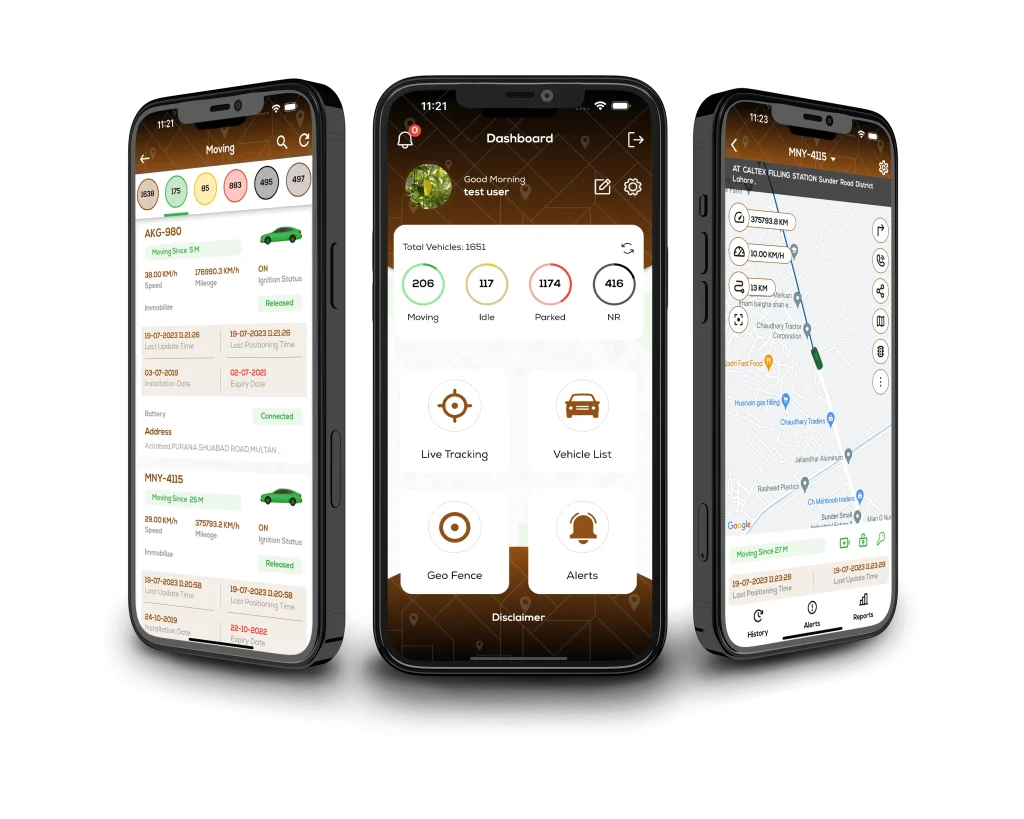
The Mux Tech Vehicle Tracking App provides tools for everyday vehicle monitoring:
Geo-Fencing for Defined Areas
You do not always need to watch a vehicle’s location continuously. Sometimes, you simply need to know when it moves outside an expected area.
Geo-fencing allows you to create a virtual boundary around a selected location. When the vehicle enters or leaves the defined area, you can receive an alert.
This can be useful around workplaces, delivery areas, regular destinations, or other locations where you want to monitor vehicle movement without constantly checking the map.
Speed monitoring gives you another way to stay informed about vehicle activity.
You can set a speed limit through the app and receive an alert when the selected threshold is exceeded. For fleet managers, this can make it easier to notice speed-related events without having to watch a vehicle’s location throughout the day.
Individual vehicle owners can also use speed-related alerts to stay informed about how their vehicle is being used.
Knowing where a vehicle is now only tells you part of the story. Tracking history and mileage let you look back at its previous activity.
The app provides access to earlier vehicle movements, trip records, and mileage information. You can see the distance covered and review where a vehicle has travelled over time.
For fleet operators, this information can also help when comparing vehicle usage across connected vehicles.
Selected Mux Tech tracking systems support remote engine control through the app. Where this feature is available, you can cut off or restore engine power from your phone.
Remote engine control depends on the tracking device and system installed in the vehicle, so it is not available with every setup. If this feature is important to you, confirm its availability with MuxTech before choosing your tracking system.
You may not need to monitor a personal vehicle every minute of the day. What matters is being able to check it when something needs your attention.
The MuxTech app gives you a convenient way to stay informed without physically checking the vehicle. You can use alerts and location information to keep an eye on important activity, while historical data gives you a record to refer back to when needed.
For vehicles with a supported tracking system, remote engine control provides an additional option for managing the vehicle through the app.
Fleet managers often need a broader view than a single live location. They may need to understand where vehicles have been, how they are being used, and whether anything requires attention during the day.
The MuxTech gps vehicle App provides a central way to monitor connected vehicles. Access to current and historical information can make routine checks easier and reduce the need to rely on individual driver updates.
For businesses managing several vehicles, having this information available through a mobile app can be particularly useful when managers are away from their desks.
Getting Started With the MuxTech App
Your vehicle needs a compatible GPS tracking device installed before you can use the tracking functions.
Once the tracking system is ready:
Download the App
Install Mux Tech from Google Play or the Apple App Store.
Sign In
Use your account details to access the service.
Connect Your Vehicle
Your installed tracking device sends available information to the app.
Set Your Preferences
Configure supported options such as speed limits, geo-fencing boundaries, and alerts.
Start Monitoring
Access your vehicle’s location, history, mileage, and other features available with your tracking system.
Download the Vehicle Tracking App
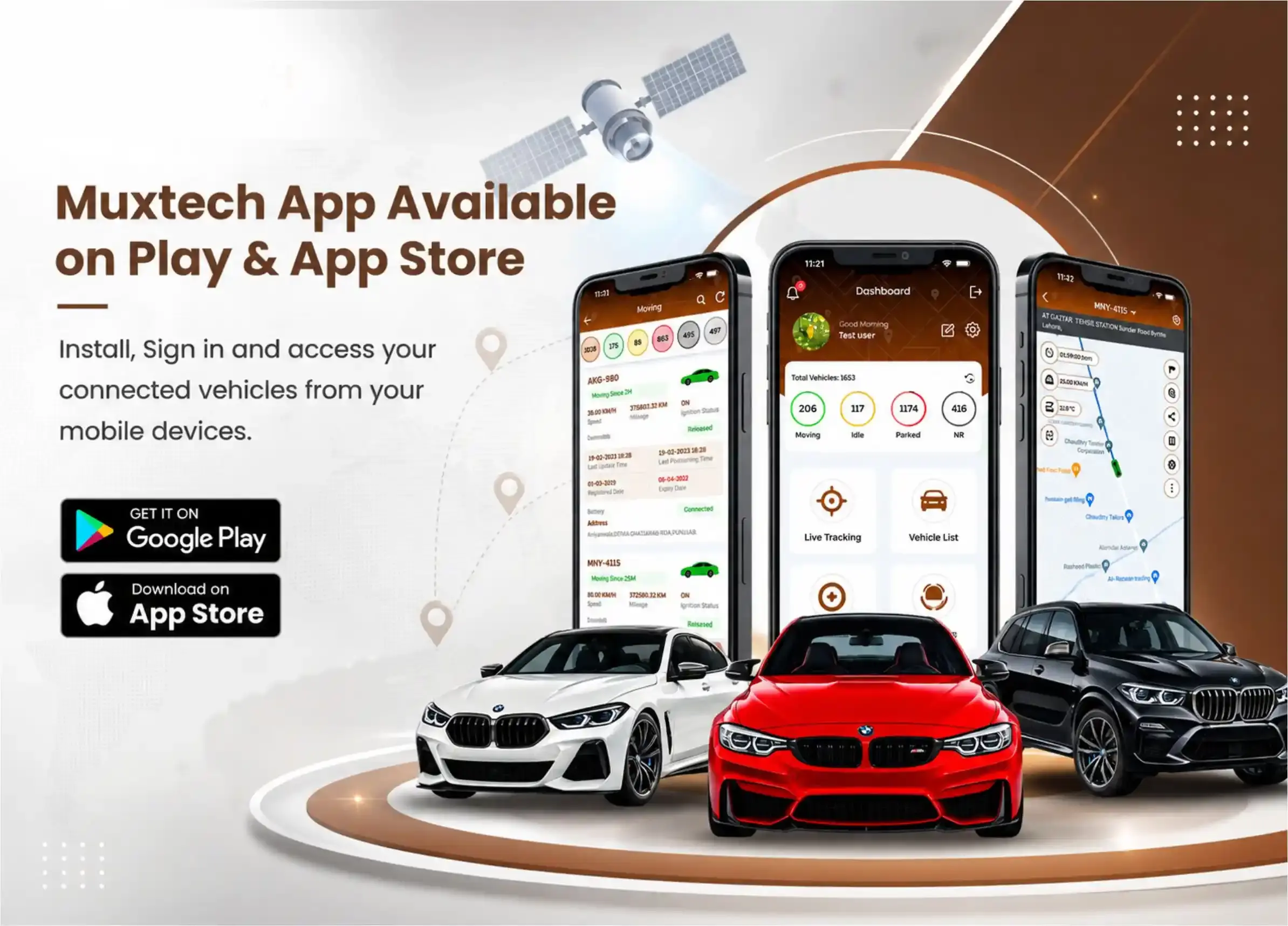
The MuxTech Vehicle Tracking App is available for both Android and iOS devices.
Install the app, sign in to your account, and access your connected vehicle from your mobile device.


Stay Connected With Your Vehicle
You should not have to rely on constant calls or manual updates to know what is happening with your vehicle. The MuxTech Vehicle Tracking App gives you convenient access to location information, trip history, mileage, alerts, and supported tracking controls.
Download the MuxTech Vehicle Tracking App and keep your vehicle information within easy reach.